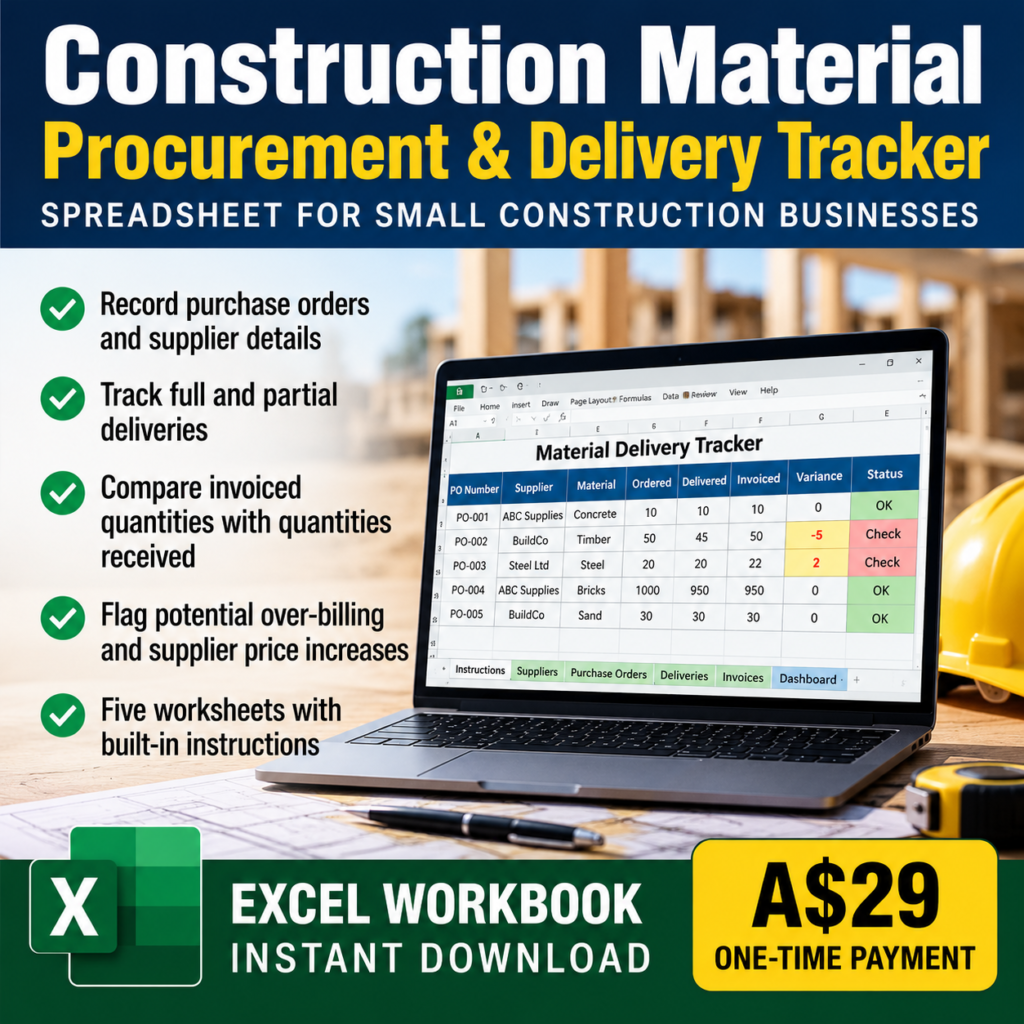
Construction Material Procurement & Delivery Tracker
$29.00
Catch material delivery shortages and supplier invoice discrepancies before they become costly problems. The BusinessToolWorks Construction Material Procurement & Delivery Tracker is a practical Excel workbook for small construction businesses. Record purchase orders, track partial deliveries, compare invoiced quantities with quantities received, and flag potential supplier price increases. Includes: Five worksheets, built-in instructions, automatic calculations…
Keep track of construction material orders, deliveries and supplier invoices in one practical Excel workbook.
The BusinessToolWorks Construction Material Procurement & Delivery Tracker helps small construction businesses organise purchase orders, record partial deliveries and identify potential discrepancies between quantities received and quantities invoiced.
Features
- Record purchase orders, material descriptions, quantities and agreed unit prices.
- Log individual deliveries, including partial deliveries and shortages.
- Record supplier invoice quantities and unit rates.
- Flag potential over-billing and price differences.
- Review outstanding deliveries and reconciliation warnings on a central dashboard.
What’s included
- Five organised Excel worksheets.
- Built-in setup instructions.
- Formula-driven calculations and visual warnings.
- A macro-free workbook.
Requirements and limitations
Microsoft Excel is recommended. This is a spreadsheet utility, not a complete procurement or accounting system. It does not automatically import invoices or match individual invoices to specific delivery dockets. Check all flagged discrepancies against the original documents before making payment decisions.
Digital product: No physical item will be shipped. The downloadable workbook will be supplied after purchase.